Every feature, in detail
15 ways one sermon becomes your week.
Every example below comes from a single Sunday in the Living Proof series, a study in John 15, preached by Pastor Mike Johnson. Watch the same source sermon become fifteen different pieces of content.
Week 1: John 15:1-8. The vine and the branches. Apart from Christ, you can do nothing. Every demo below pulls from this one sermon.
A nine-slide Instagram recap, branded to your sermon series.
The single highest-engagement format on Instagram, ready to post. The AI reads the sermon, picks the central tension, distills the big idea, pulls three actual takeaways the speaker made, finds his best quote, surfaces his application, and closes with a call to listen to the full message.
You upload a background graphic once per series. The carousel matches your series art, your accent color, your font, and your church's website on the last slide.
- ✓9 slides: cover · passage · big idea · 3 takeaways · quote · application · CTA
- ✓Auto-composed at 1080×1350 (Instagram's optimal carousel size)
- ✓Edit any slide's text inline; re-renders in seconds
- ✓Voice memory: every edit trains the AI on your church's tone (Growth+)
- ✓Download as a ZIP of nine PNGs, ready to drag straight into Instagram
This is your series
You upload these...

...and you get these
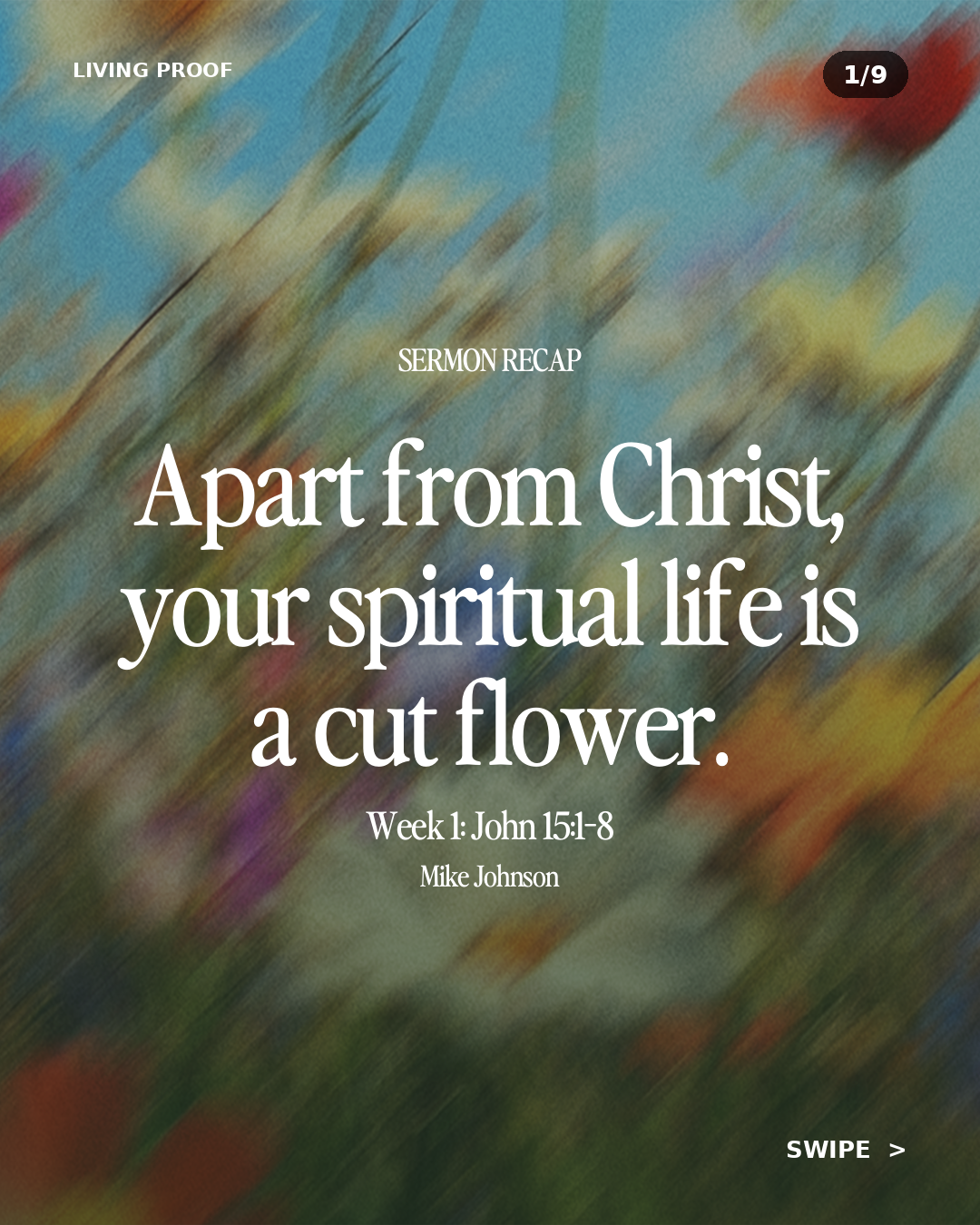
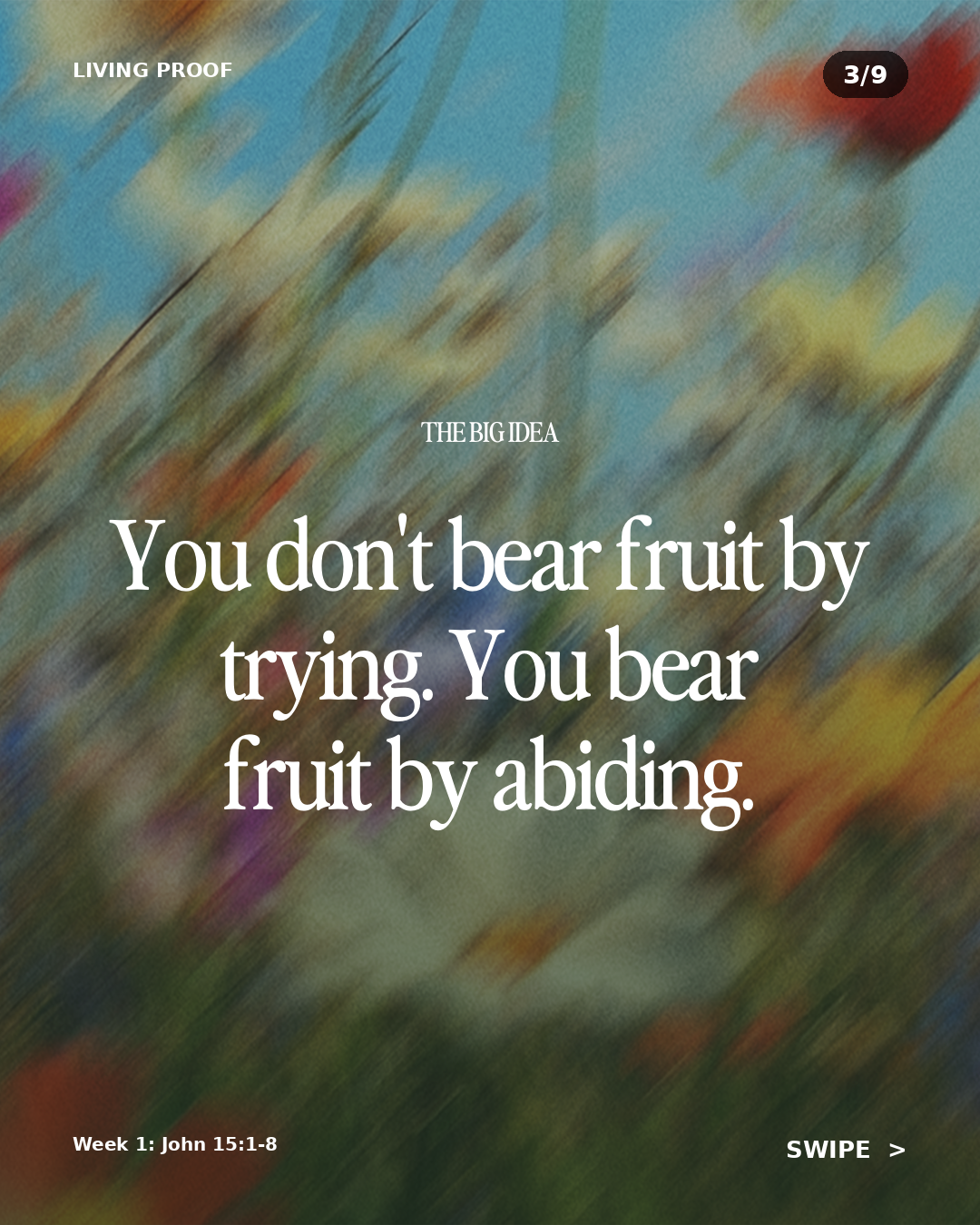
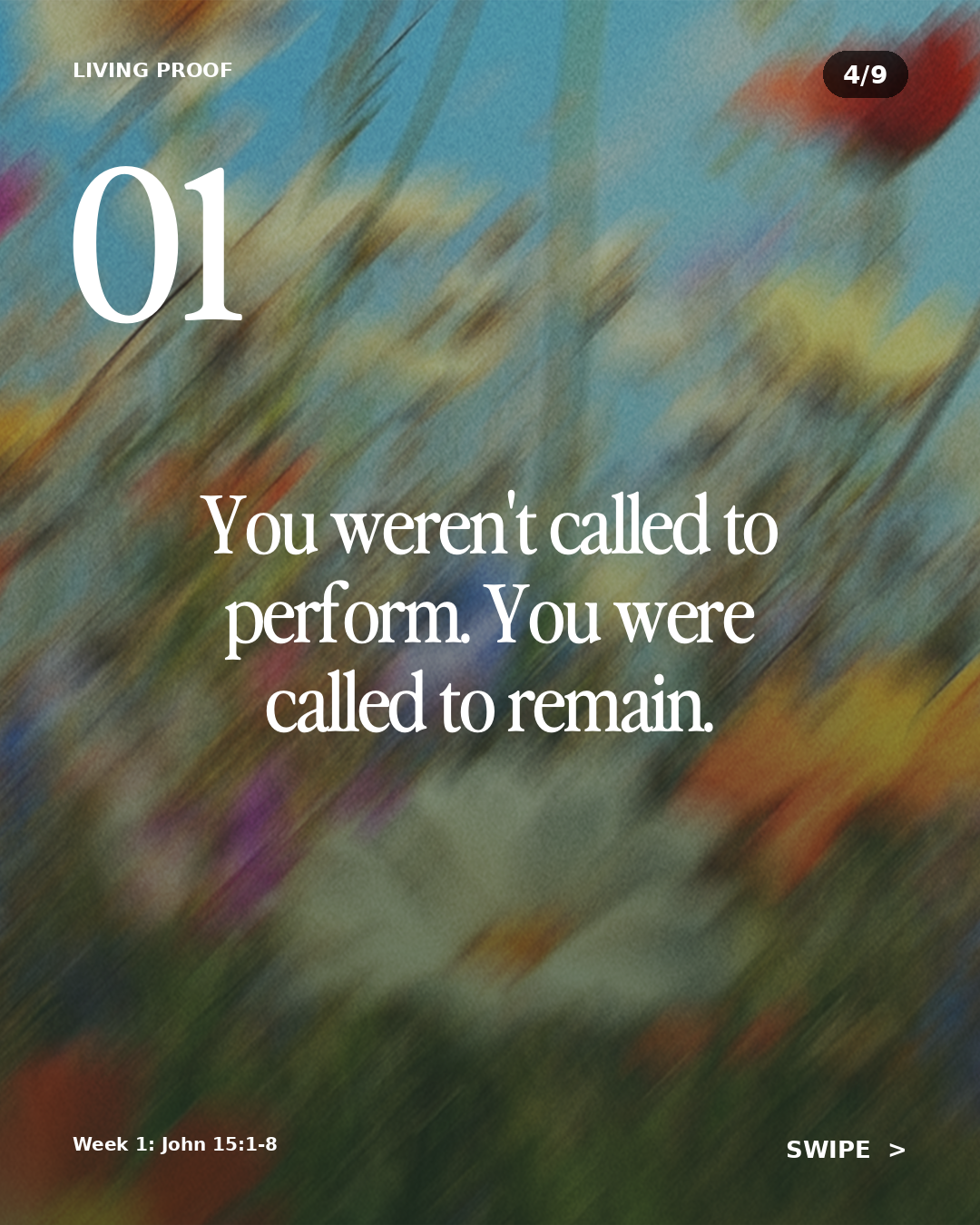
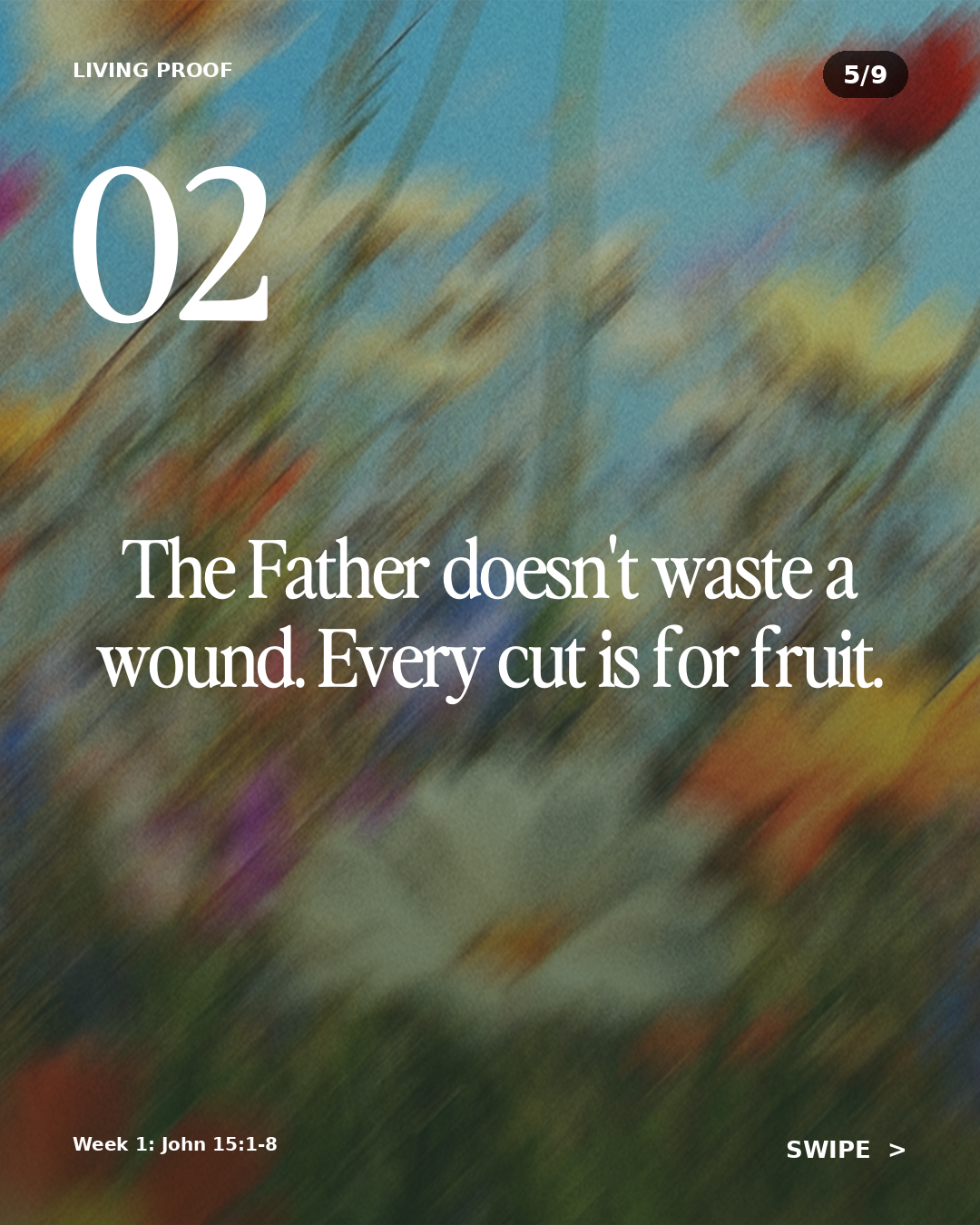
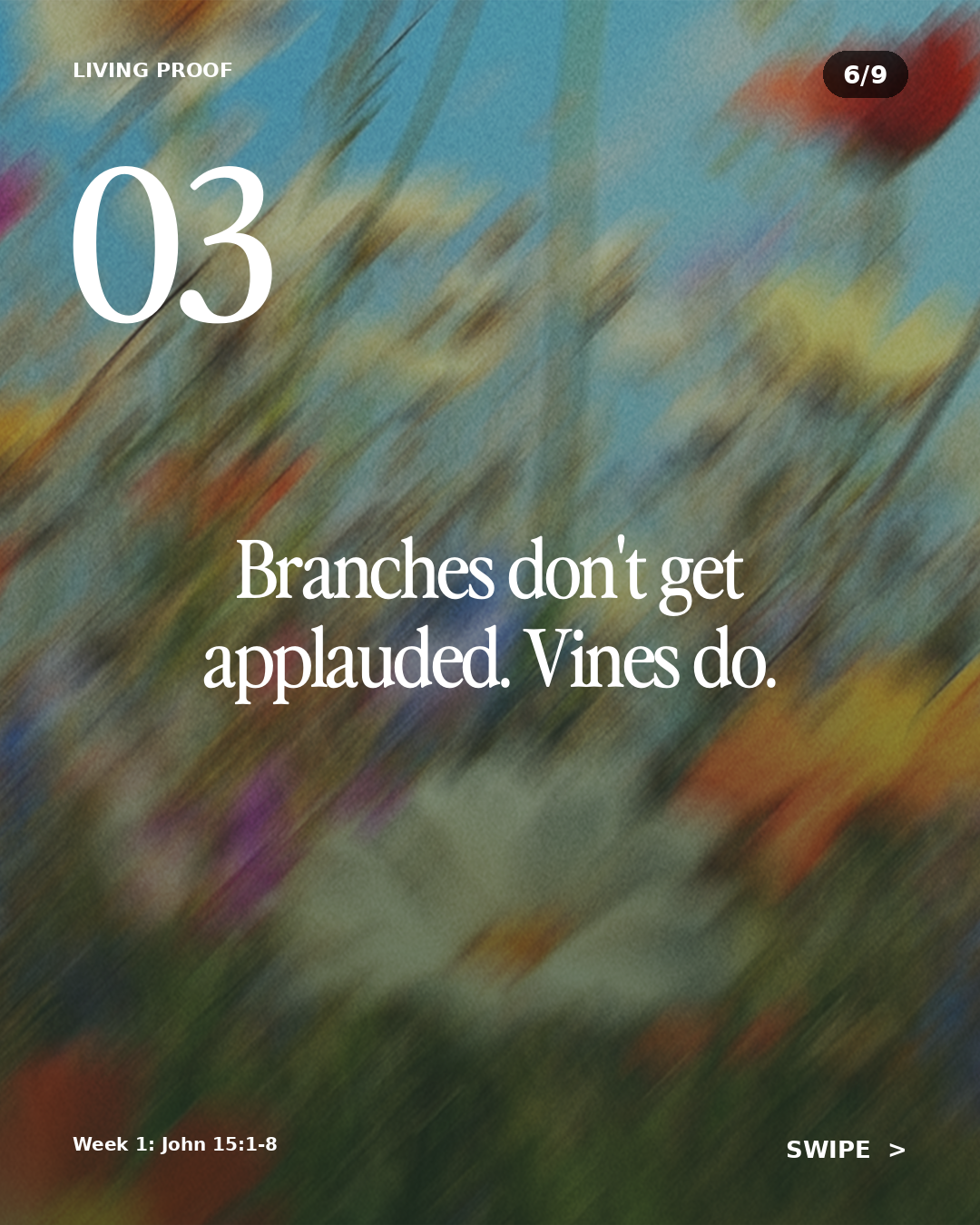
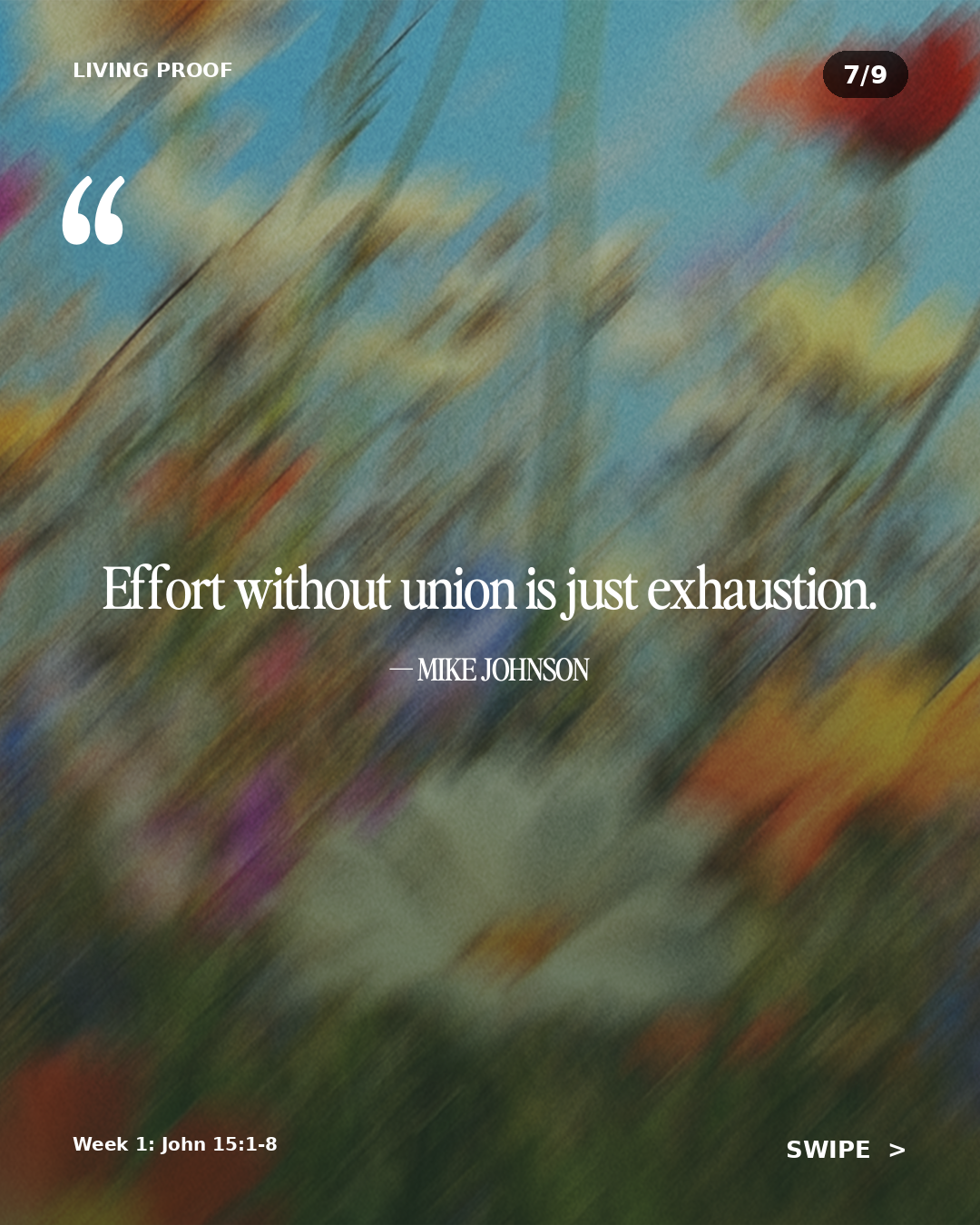
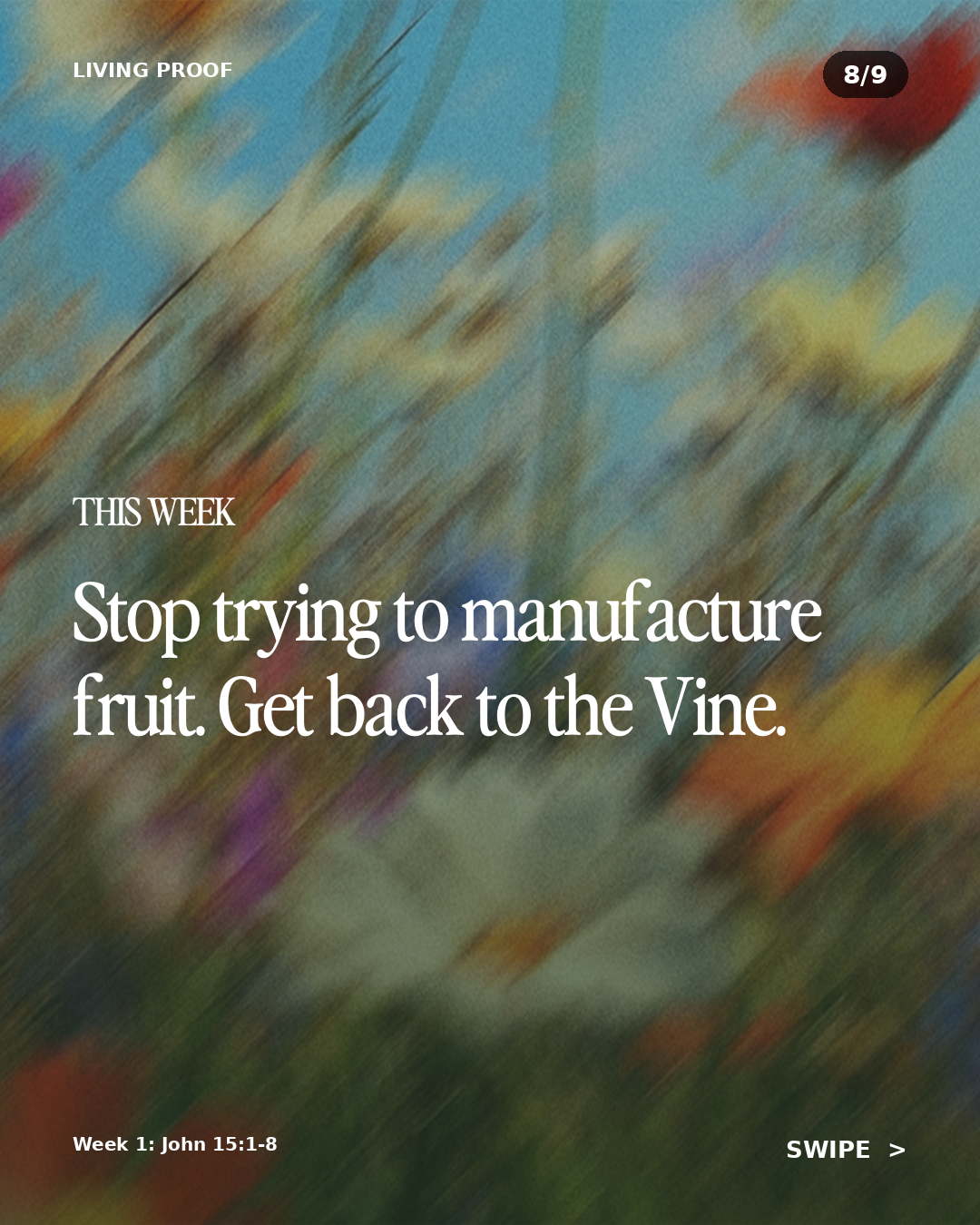
Every sermon in the series gets its own carousel, auto-rendered from this template. Scroll the row above — click any slide to view full size.
Eight quote-card images per sermon. Feed format and stories.
The pull-quote graphics that always took an hour in Canva. The AI mines the sermon for the most quotable sentences (not generic pastor-speak, the actual ones that stop the scroll). Pick your favorite and one click renders it on your series background in two formats, 1:1 for the feed, 9:16 for stories.
Up to 8 quote pairs per sermon (16 images total). Each in your series colors, your fonts, your accent color. Pick three for the week. Hand the rest to your design team as a starter pack.
- ✓8 quotes auto-mined per sermon, each in two formats
- ✓Edit the quote text inline, re-renders that image
- ✓Custom font support (upload a TTF/OTF, used everywhere)
- ✓Series background auto-applied so every sermon in the series matches
Plus 7 more quotes from this sermon, each as both a 1080×1080 feed image and a 1080×1920 story image.
A 700-1,000-word, SEO-ready blog from the sermon's actual content.
For churches with a blog or news section that almost never gets updated because nobody has time to write. The AI produces a substantive, readable post, not a transcript dump. Built around the sermon's main idea, with section headers, scripture references, and a call to action at the end.
SEO-friendly headline, meta description, and structure. The kind of content that Google indexes and people actually share.
- ✓700-1,000 words, section headers, scripture citations
- ✓SEO title + meta description auto-suggested
- ✓Markdown export ready for WordPress, Ghost, Squarespace, anywhere
The Vine and the Branches: What John 15 Says About Striving vs Abiding
By Pastor Mike Johnson · Living Proof
Most of us aren't asking whether God exists. We're asking whether we can keep up. The job is hard. The marriage is harder. The faith feels thin some weeks, and the gap between "should be growing" and "actually growing" feels embarrassingly wide. This Sunday we sat with one of Jesus's most uncomfortable promises: "Apart from Me, you can do nothing."
… continues for 850 more words across 4 section headers.
Small-group questions that actually go somewhere.
Most small-group questions stall out at "what stood out to you?" These are different. The AI builds a flow: an opening question that gets everyone talking, two or three middle questions that push deeper into the text, and a closing question that moves toward action.
Designed to fit a 60-90 minute group meeting without feeling forced. The kind of questions your group leaders would have built themselves if they had three hours of prep time.
- ✓5-7 questions per sermon in opening/middle/closing arc
- ✓Grounded in the actual sermon, not generic prompts
- ✓Includes follow-up sub-questions for leaders to use if discussion stalls
1. Opening Where in your week are you trying to bear fruit by effort instead of by abiding? Be specific.
2. Middle Read John 15:1-4 together. What does it actually mean, practically, to "abide" in Christ when life is busy and noisy?
3. Middle Pastor Mike said "effort without union is just exhaustion." Where have you felt that this week? What changes if you go back to the Vine first?
4. Closing Name one place you've been manufacturing fruit. What's one concrete way you'll return to abiding this week?
Dinner-table discussion for families with kids of every age.
The piece that gives parents something to actually do with the sermon. A simple guide they can pull up on their phone at dinner: one verse to read, one question for the youngest kids, one for older kids, one for adults, one prayer.
Saves families from the "so what did you learn at church today?" / "I dunno" loop. Hands them a real conversation starter that builds on Sunday morning instead of asking it to compete with the rest of the week.
- ✓Designed for the dinner table, not a homework assignment
- ✓Age-laddered questions: little kids, school-age, teens, adults
- ✓One verse, one prayer, one action item
Read together
John 15:5 "I am the vine; you are the branches. Whoever abides in me and I in him, he it is that bears much fruit."
For the little ones
What do branches need to grow apples or oranges? What happens to a branch if it gets cut off from the tree?
For older kids
Pastor Mike said apart from Christ we can't bear fruit. What does it look like for YOU to stay connected to Jesus this week?
Prayer
Jesus, help us stay connected to You this week. Apart from You we can do nothing. With You we can do everything You ask of us. Amen.
One prayer for each weekday, drawn from Sunday's sermon.
Most prayer prompts feel disconnected from the sermon that just happened. These don't. The AI builds a Monday-through-Friday rhythm where each day picks up a different thread from Sunday and turns it into a short, prayable sentence.
Drop them in your weekly newsletter. Post one a day on Instagram stories. Print them as a card for your prayer team. Each one stands alone, all five hang together.
- ✓Five short prayers (Mon-Fri), each ~3 sentences
- ✓Each prayer keys off a different point from the sermon
- ✓Ready for newsletter, social, prayer guide, or bulletin insert
Monday Jesus, before this week takes off, remind me I'm a branch, not the Vine. Help me abide in You today before I try to do anything for You.
Tuesday Lord, where I'm tempted to manufacture results today, slow me down. Pull me back to the Vine.
Wednesday Father, the pruning You're doing in my life isn't punishment. It's love that makes me more fruitful. Help me trust the cut.
… plus Thursday and Friday prayers in the same arc.
A clean handout people will actually keep.
For the bulletin, the church app, or the printed sheet on the chair. A structured summary of the sermon: main scripture, big idea, three key points, and the application. No transcription noise, no "uhms," no rambles.
This is what your tech-savvy attendees screenshot and send to friends who weren't there. It's the artifact of the sermon, short enough to share, substantive enough to remember.
- ✓Big idea + main points + application section
- ✓Scripture references inline and listed
- ✓Print-ready Markdown for bulletins, apps, or website
Big Idea
You don't bear fruit by trying. You bear fruit by abiding.
Key Points
1. Christ is the True Vine. The Father is the vinedresser. We are branches, nothing more.
2. Apart from Christ, we can do nothing, including "be a good Christian."
3. The Father's pruning isn't punishment. It's love that makes us more fruitful.
This Week
Identify one place you've been manufacturing fruit instead of abiding. Return to the Vine.
A warm recap for the families who weren't there.
The email you've always wanted to send to first-time visitors who didn't come back, or to regulars who missed because someone got sick. Not a guilt trip, not a sales pitch, a real recap that says "here's what we sat with together yesterday, and here's how to engage even if you weren't in the room."
Drops the link to the full audio/video, includes the family guide, the discussion questions, and an invitation to join next week. Sounds like a friend wrote it.
- ✓Warm tone, ~300 words, designed to be skim-friendly
- ✓Includes deep-link to your full sermon page
- ✓Subject line + preview text auto-drafted for max open rate
Subject: Apart from Christ, your spiritual life is a cut flower, here's what we sat with Sunday
Hey friend, we missed you yesterday.
Mike preached out of John 15, the Vine and the Branches passage. The big question we walked away with: where am I trying to manufacture fruit instead of abiding in Christ? Most of us know the answer faster than we want to admit.
… continues with full recap + audio link + family guide link.
A short paragraph for your weekly bulletin or e-news.
Sometimes you just need 80 words. The sermon recap that fits between the announcements and the prayer requests. Tight, warm, captures the heart of Sunday without taking over the whole newsletter.
- ✓80-120 words, one or two paragraphs
- ✓Plain-text ready for any email tool
- ✓Includes a subtle CTA to listen to the full sermon
This week Pastor Mike walked us through John 15, the Vine and the Branches passage. The hard truth Jesus puts in front of us: apart from Him, we can do nothing. The challenge this week is simple. Notice where you've been manufacturing fruit. Then quit trying. Get back to the Vine.
Want the full sermon? Visit yourchurch.org/sermons
A real thank-you to the people who made Sunday happen.
The kids ministry leads. The greeters. The setup crew. The worship band. The sound team. The note your pastor always means to write Monday morning but never gets to. SermonPush drafts it, you tweak the names, you hit send.
Different from a generic "great job team" note. References Sunday's actual sermon and ties their work back to what happened spiritually in the room.
- ✓Tied to Sunday's actual sermon (not generic)
- ✓Ready to drop in Slack, Planning Center, or email
- ✓Encourages without being saccharine
Team, yesterday was a good one.
While Mike was preaching about the Vine and the branches in John 15, you were quietly being the steady ones, welcoming kids, running sound, setting up chairs, leading worship. The whole room felt rooted because you made it feel that way. Thank you. Truly.
See you Sunday.
A 60-90 second vertical-video script with timing cues.
Designed for the camera-comfortable pastor or staff member. A scroll-stopping opening line, three beats of content, a CTA, and timing markers so it fits in the format. Not generic vertical-video advice, actually about your sermon.
Your social media manager or content creator records straight from this. No second-guessing the angle.
- ✓60-90 second script with timing cues
- ✓Hook in first 3 seconds (where 80% of viewers decide)
- ✓Includes B-roll suggestions and on-screen text overlays
0:00-0:03 (Hook) "Apart from Christ, your spiritual life is a cut flower."
0:03-0:20 In John 15, Jesus calls Himself the True Vine. Branches that stay connected bear fruit. The ones that don't, wither. No exceptions.
0:20-0:45 Pastor Mike's challenge this week: stop manufacturing fruit. Get back to the Vine.
0:45-0:60 (CTA) Full sermon is in our bio.
On-screen text suggestions: "APART FROM HIM" → "WE CAN DO NOTHING" → "ABIDE"
Every passage referenced in the sermon, listed in order.
For the church app, the bulletin, your sermon page. A clean list of every scripture the preacher cited, primary and supporting. Ready to embed, link to your preferred translation, or feed into your archive.
- ✓All passages in citation order
- ✓Optional ESV API integration to render full passage text
- ✓Ready for sermon archive pages or church apps
· John 15:1-8 (main passage)
· John 15:9-17
· Galatians 5:22-23
· Hebrews 12:5-11 (supporting)
· Romans 8:1-2 (supporting)
· 1 Corinthians 3:6-7 (supporting)
Timestamps for your podcast feed and YouTube.
Auto-generated chapter markers calibrated to the actual audio length. So when you upload the sermon to YouTube or Spotify, listeners can jump to the prayer, the main point, the application, the closing. Better retention. Better SEO. Less work.
- ✓Chapter markers based on real audio duration
- ✓YouTube-formatted (paste straight into the description box)
- ✓Podcast-platform compatible (Apple, Spotify, Pocket Casts)
00:00 Welcome and opening prayer
02:14 Series intro: "Living Proof" — a study in John 15
05:32 Setting up the Vine and the Branches
12:18 What "abide" actually means
20:51 Why pruning hurts and why we still need it
28:07 "Apart from Me, you can do nothing"
33:45 Application: stop manufacturing, get back to the Vine
38:22 Closing prayer
Five tone options. Plus a voice-memory loop that learns your edits.
Every church sounds different. Pick the tone that fits yours, Casual & Conversational, Warm & Welcoming, Bold & Direct, Classic & Reverent, or High-Energy & Passionate. Set once, used everywhere.
Then on Growth+, the voice memory kicks in. Every slide your team edits gets quietly stored as a style example. The next sermon's AI prompt includes those examples as anchors, so the bot gets closer to your church's actual voice the more you use it.
- ✓5 tones to pick from (default: Warm & Welcoming)
- ✓Voice memory training (Growth+): the more you edit, the better it gets
- ✓Set per church, applied across all 15 content types
Week 1
AI writes: "Faith means trusting God's plan, even in difficult times."
You edit to: "Faith means showing up before the answers do."
Week 4
AI writes: "Hope means showing up before the proof does. It's the work that comes first."
The bot doesn't memorize the phrase, it picks up the cadence, sentence length, and word choice your team prefers.
Four channels, four different voices. Not one caption copy-pasted everywhere.
The mistake most churches make: write one social post and dump it on every platform. Instagram doesn't read like Twitter doesn't read like Facebook doesn't read like a YouTube description. SermonPush writes each one for the platform it lives on.
Need a different angle? Click "Regenerate" for a fresh take, or "3 Options" to see three angles side-by-side and pick the one that fits this week's calendar.
Apart from Christ, your spiritual life is a cut flower.
Read that again.
In John 15, Jesus calls Himself the True Vine. The branches that stay connected bear fruit. The ones that don't, wither. No exceptions, no workarounds, no version of "Christian living" that doesn't run through Him.
Pastor Mike walked us through it yesterday and asked the question we don't always want to sit with: are we abiding, or are we just trying really hard?
This week we're sitting with one question together: where am I striving without abiding?
#livingproof #sermonsunday #john15 #abide #ourchurchfamily